





Summarize With AI


DeskTime is a dedicated workforce analytics tool for employee monitoring and how they spend their work hours. It is ISO 27001 and GDPR compliant and offers two-factor authentication.
The tool can be used across mobile, desktop, or over browser. It is built for medium to large businesses for project management, finance, and HR. DeskTime integrates with powerful tools like JIRA, GitLab, Google Calendar, Trello, Outlook, and Basecamp.
It fosters an environment of healthy work-life balance and establishes proof-of-work. You can use the DeskTime API to build custom tools and applications that analyze and interpret data, then seamlessly integrate those insights into your existing workflows.
The tool measures arrival time, leaving time, productive time, time at work, idle time, offline time and more.
These may be profound features, but users found a couple of drawbacks that cannot be overlooked.



Considering these limitations, we have compiled a set of best-fit DeskTime alternatives:
- We360.ai
- Hubstaff
- Monitask
- Time Doctor
- ActivTrak
Top 5 DeskTime alternatives
Let’s understand how these DeskTime alternatives add value.
We360.ai
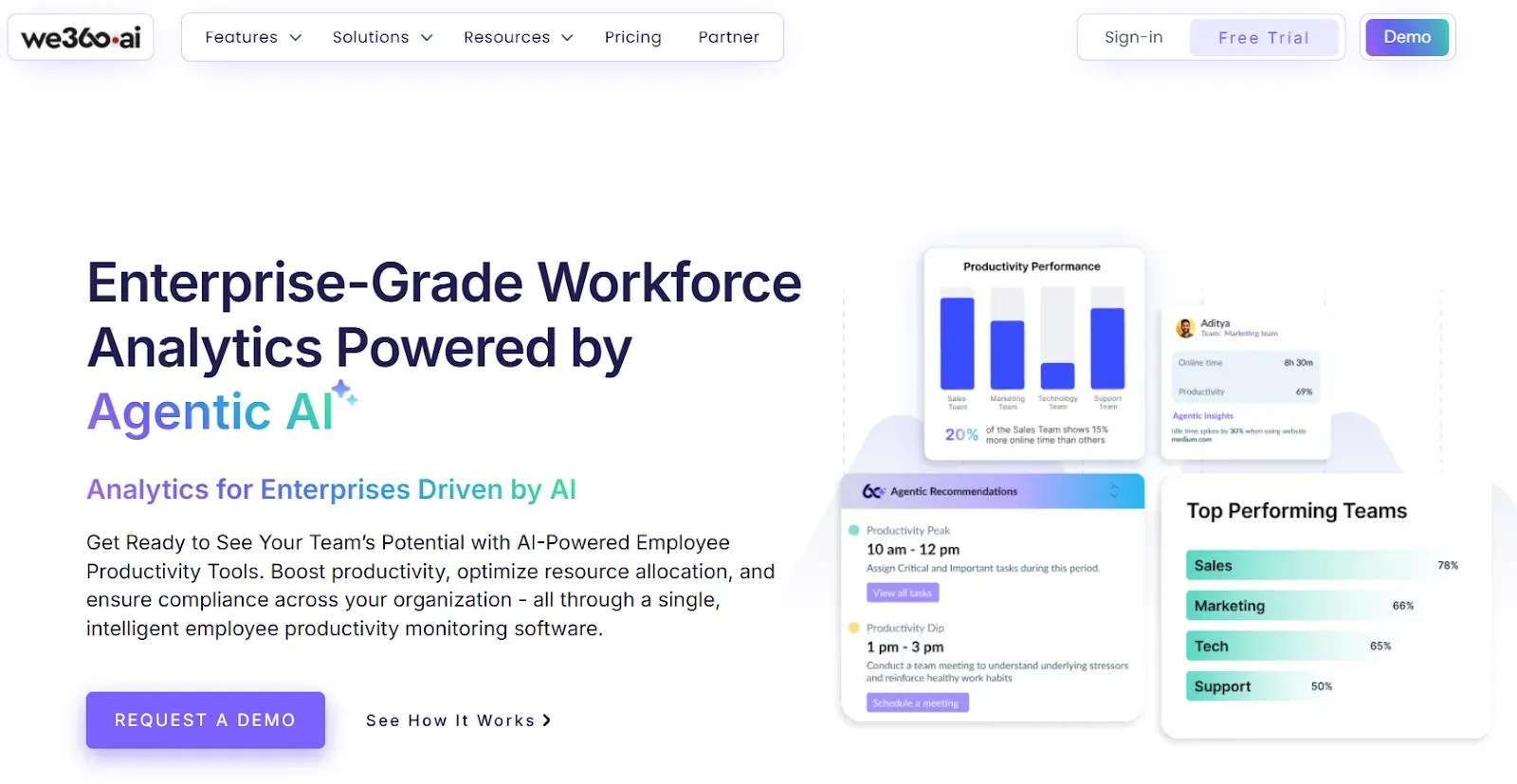
We360.ai is a workforce, HR, people, and talent analytics tool to enhance employee productivity.
It amalgamates workplace efficiency, accountabilty and productivity within one solution.
The client base is 5,500+ companies, and 200,000 users with 99.99% uptime SLA.
We360.ai’s desktop application runs seamlessly on MAC OS 10.11 and above, most Linux OS versions, and all Windows computers with Windows 7 or later.
The tool is compliant with SOC-2, GDPR, ISO and VAPT and follows TLS/SSL and AES-256 encryption.
Price (per user per month) | Free - INR 0 Starter - INR 299 Pro - INR 399 Enterprise - Custom |
|---|---|
Features |
|
Best for | Growing businesses & teams who want to maximize their productivity from industries like IT/ITES, Staffing and Recruiting, Marketing agencies and more. |
We360.ai Vs DeskTime
Feature | We360.ai | DeskTime |
|---|---|---|
Time & attendance tracking | Tracks attendance, work hours, overtime, and leave | Tracks work hours and attendance |
Real-time activity monitoring | Real-time user activity with alerts | Limited real-time visibility |
App & URL tracking | Advanced app and URL classification with behavior analysis | App and URL tracking |
AI-driven insights | AI-based productivity insights and behavior analysis | No AI-based predictions |
Productivity analytics | Detailed productivity trends and performance insights | Basic productivity reports |
Screenshots | Automated screenshots for productivity and compliance | Screenshots with limited controls |
Project & task management | Built-in project and task management | Basic project time tracking |
Reports & dashboards | 100+ customizable reports and dashboards | Standard reports |
Idle & active time tracking | Tracks active, idle, and false activity | Tracks idle time |
Compliance & security | GDPR, ISO, SOC-2, HIPAA aligned | GDPR and ISO compliant |
Integrations | Integrates with enterprise tools | Integrates with popular tools |
Support | Dedicated onboarding and support | Standard support |
Hubstaff
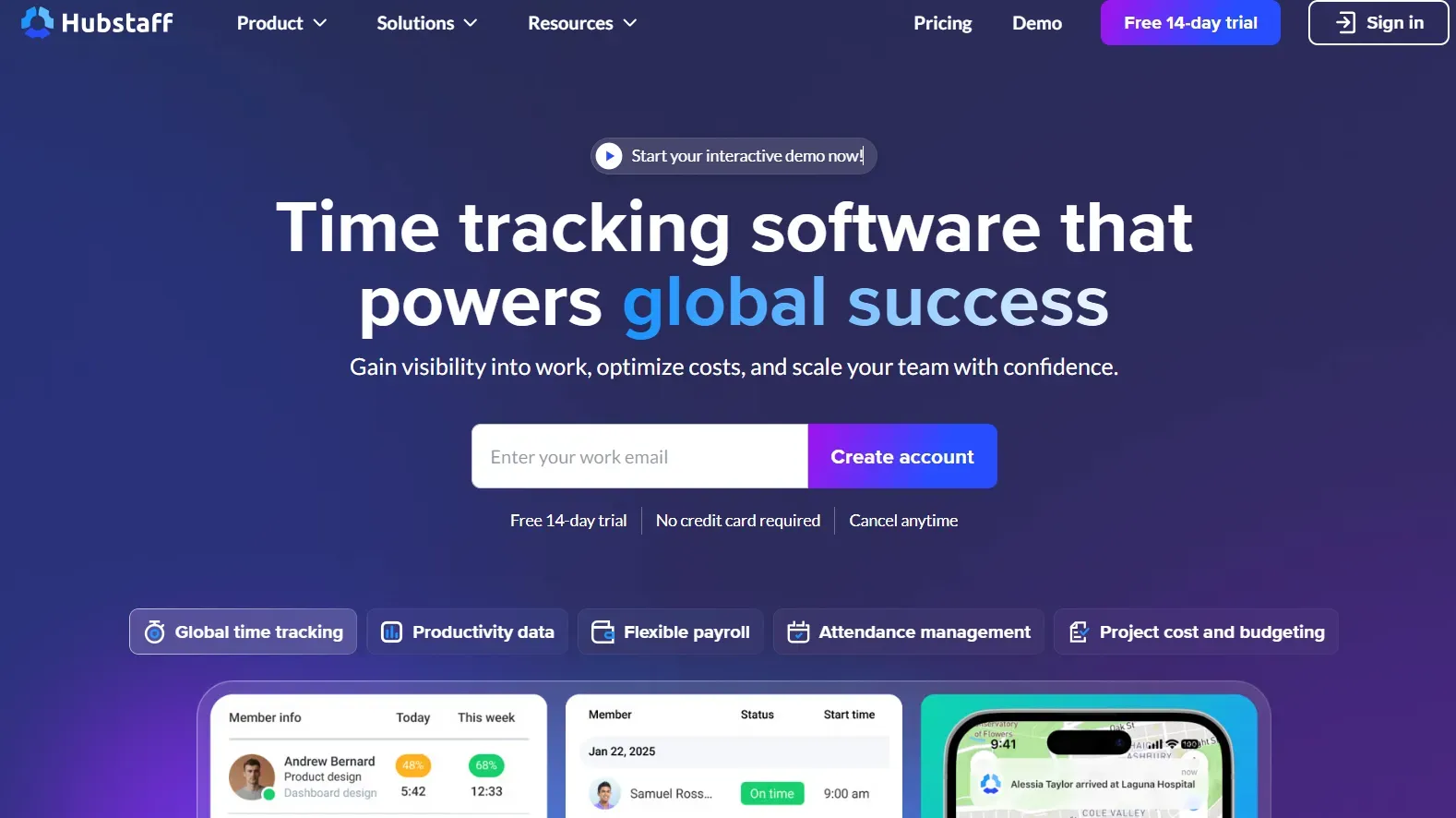
Hubstaff is an employee monitoring solution with workforce analytics and automated payment features. You can track time spent in tasks and projects using Hubstaff’s desktop, mobile, or web applications.
It runs quietly in the background without consuming any resources. Hubstaff detects unusual activity, utilizes resources, highlights widgets, meeting vs focus time widgets and work hours’ classifications.
The tool takes screenshots but doesn’t record voice or video. It comes with built-in GPS time tracking capabilities to track members’ locations.
For different countries, it complies with different standards, like:
- US: Electronic Communications Privacy Act of 1986
- EU: GDPR
- Canada: Personal Information Protection and Electronic Documents Act (PIPEDA)
It has 117 features and integrates with 35+ tools.
Price (per seat per month) |
|
|---|---|
Feature |
|
Best for | Software development, BPO, VA, SMB, Advertising, Marketing, and Consulting industries. |
Pros
- It helps in keeping track of work, and idle time alerts help in monitoring employees’ work.
- It alerts if an employee forgets to start the timer that helps in tracking time.
Cons
- It does not take into account the calls as productive work.
- Needs colouring of tasks in the Kanban Board.
Monitask
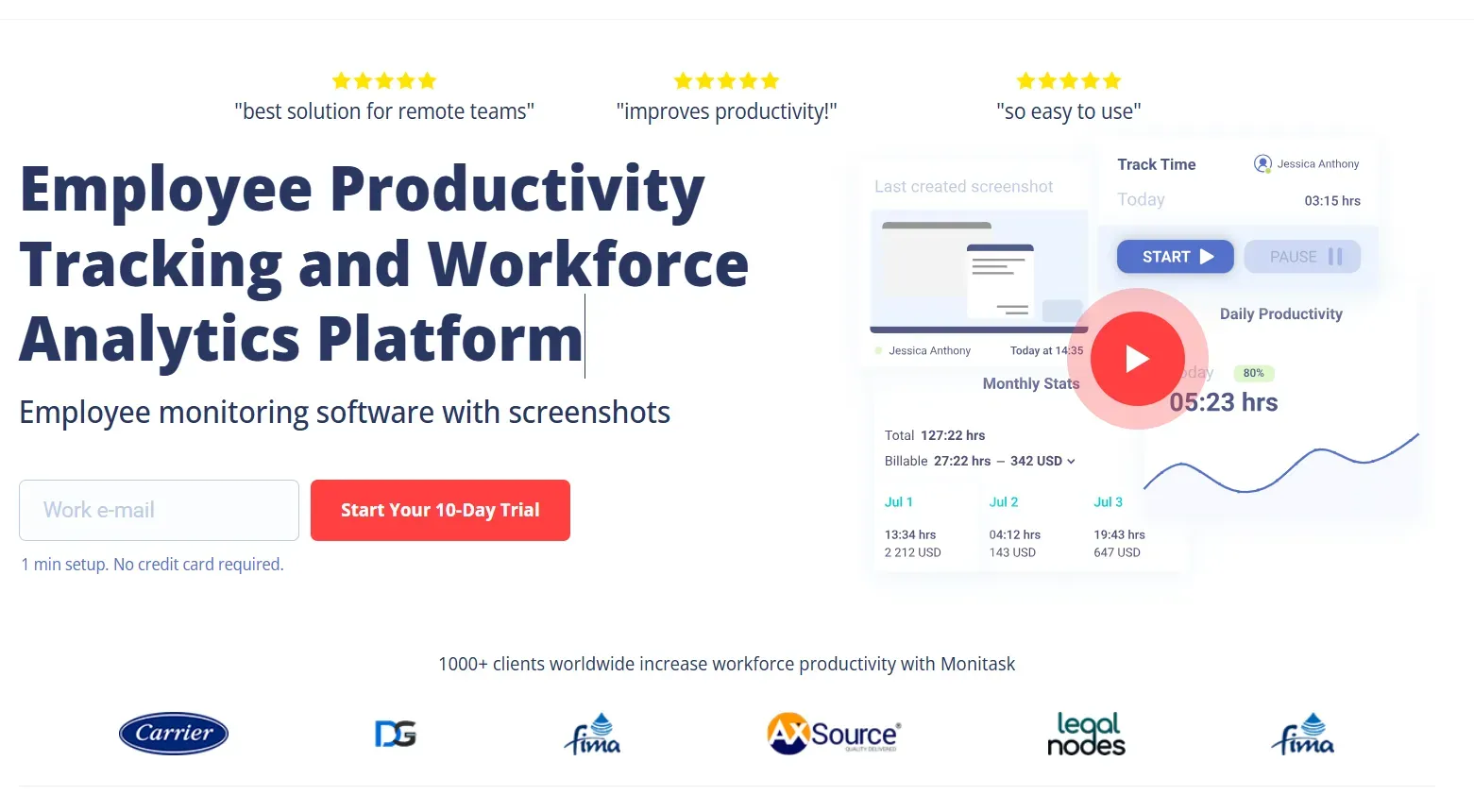
Monitask is a workforce analytics and employee productivity tracking platform. It is primarily built for organizations with remote teams, including timesheets and screenshots of employees’ workstations.
It does not keep track of sensitive information like passwords or documents saved on Monitask’s server. It tracks project management, productivity, and attendance while maintaining transparent communication. Monitask includes screen monitoring, employee scheduling, activity level tracking, time tracking, check-in/check-out, and detailed work hours and attendance reporting.
It is GDPR compliant with a good activity level, as anything above 50%. The tool integrates with JIRA, ASANA, Microsoft Teams, Zoho Projects, Slack, Basecamp, ClickUp, Trello and more.
Pricing | Pro – $7.99 per user/month Business – $10.99 per user/month Business Premium – $15.99 per user/month Enterprise – $19.99 per user/month |
|---|---|
Features |
|
Best for | Remote team members, such as freelancers, contractors, remote employees, and employees who work from home. |
Pros
- Monitor how trainers and consultants spend time on courses, client work, or internal content development.
- The interface is intuitive, which reduces time spent training new staff.
Cons
- The reporting filters don’t always allow grouping by project subtype.
- There are occasional lag issues when the internet is congested.
Time Doctor
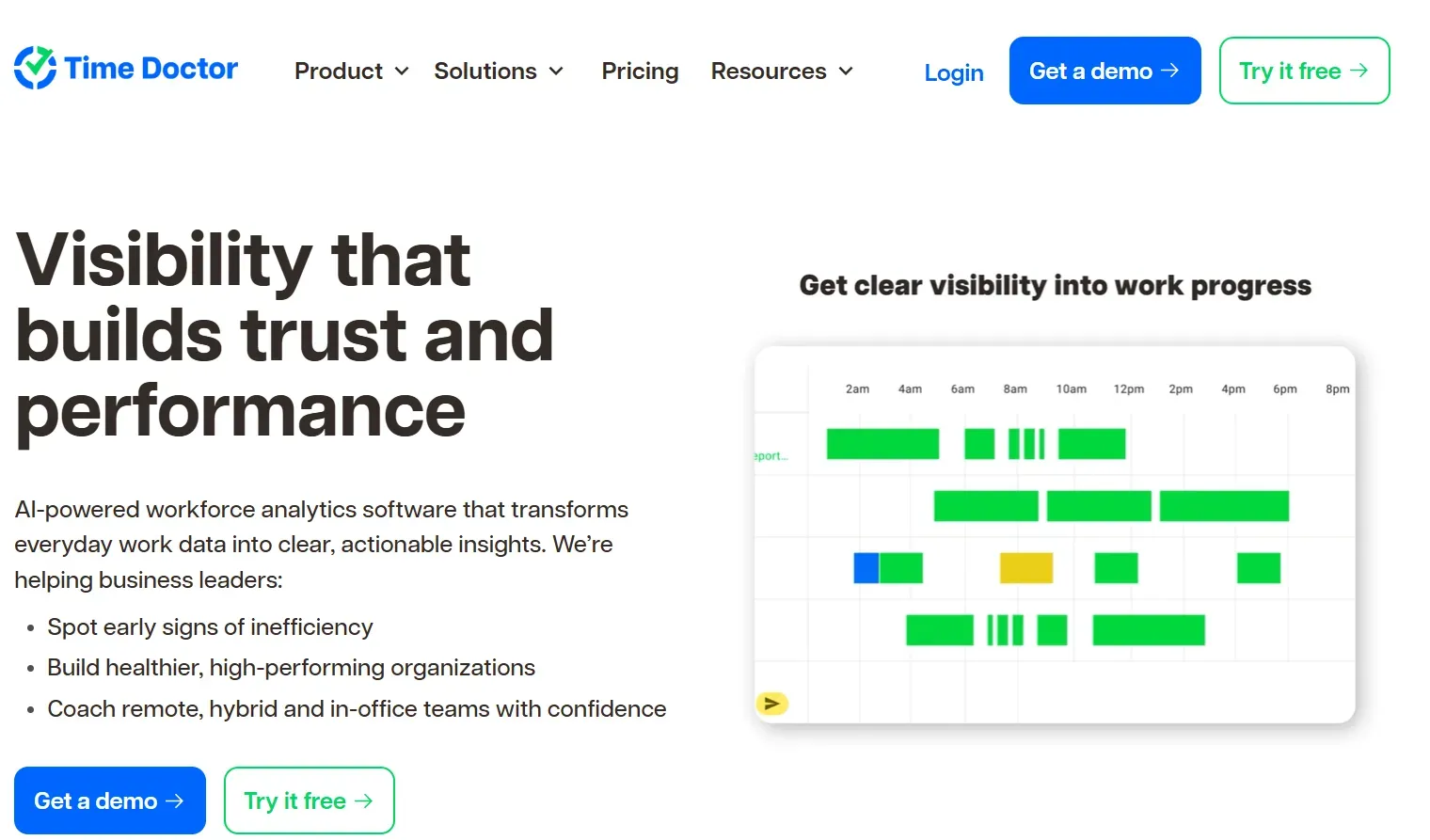
Time Doctor is a workforce analytics tool that extracts maximum efficiency from employees, including remote or hybrid settings.
Its presence is in 30+ countries with 280,000 active users.
The tool is GDPR and HIPAA compliant and offers custom user roles and permission settings along with 60+ integrations and 24-hour multilingual support. It offers 99.99% uptime SLA.
It gives clear visibility into how time is spent, helping identify productivity patterns, inefficiencies and enables informing training programs without relying on guesswork.
Its activity tracking, screenshots, and detailed reports simplify performance management, especially for distributed teams. They also enable fairer payroll and performance evaluations by relying on actual tracked work rather than assumptions or self-reported hours.
Price (per user per month) |
|
|---|---|
Features |
|
Best for | For enterprises including Banks, Technology companies, and BPOs. |
Pros
- It allows downloading project breakdown reports at any time.
- The productivity report and schedule help in validating complaints about staff performance.
Cons
- Its integration with ClickUp is sometimes buggy.
- The billing system is confusing.
ActivTrak
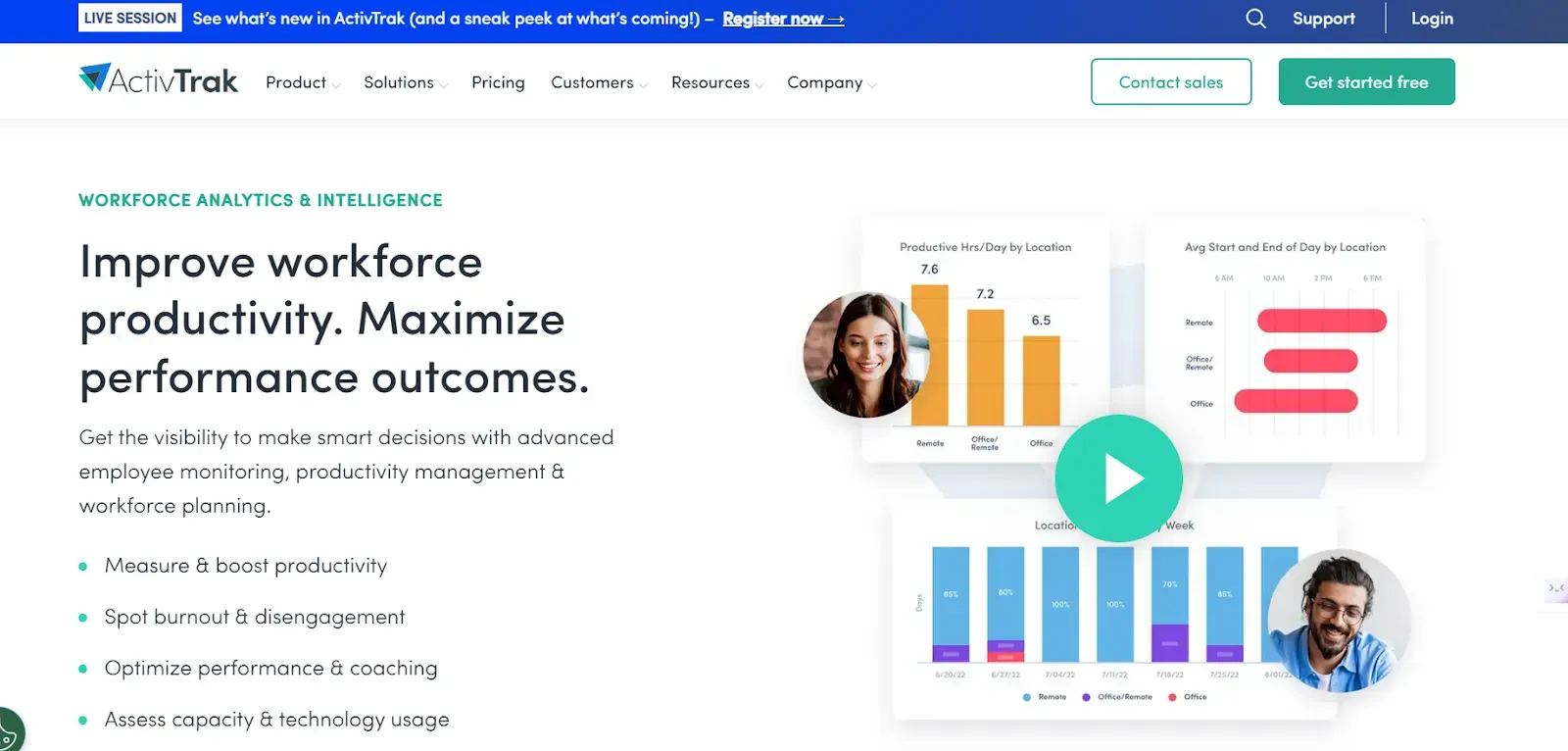
ActivTrak is a workforce analytics tool secure by design and private by default. It offers insights into how employees utilize their time and identify bottlenecks, if any.
It collects productivity, focus, and utilization data, empowering managers to make informed decisions. The tool enables CEOs to drive EBIDTA growth, CFOs to improve ROI, and COOs to enhance efficiency.
ActivTrak is compliant with HIPAA, GDPR, SOC2, CCPA, and other regulations. It integrates with BI, HRIS, workflow, and collaboration platforms. These include Power BI, Workday, Salesforce, JIRA, Slack, Microsoft 365, Google Workspace, Azure AD and other SIEM platforms.
It has served 9,500 organizations so far.
Price (per user per month) |
|
|---|---|
Features |
|
Best fit | Small to large-sized Fortune 1000 companies with 5-1000+ employees with computers. Ideally, business leaders, IT managers, HR managers, and team leaders are in need of results. |
Pros
- It is easy to learn and adapt to.
- It helps watch productivity of each employee and see if they are utilizing their time constructively.
Cons
- The interface can be a bit of a maze.
- Customer service is atrocious. They are aggressive with you to get you to buy/renew, but go silent as soon as you pay.
We360.ai has features of DeskTime and even more
We360.ai includes all core DeskTime features such as time tracking, productivity analytics, activity monitoring, and reporting. It goes further with AI-driven insights, real-time alerts, advanced behavior analysis, customizable dashboards, and integrated project management, helping organizations gain deeper visibility, improve efficiency, and make data-driven workforce decisions.
If you are looking for best DeskTime alternative, Book a FREE Demo of We360.ai Now!
FAQ
What is the best alternative to DeskTime?
We360.ai is a powerful DeskTime alternative that combines employee monitoring, time tracking, productivity analytics, screenshots, attendance, and workforce insights in one platform.
How is We360.ai different from DeskTime?
We360.ai goes beyond basic time and productivity tracking with AI-powered insights, real-time activity monitoring, advanced analytics, customizable dashboards, and detailed workforce reports.
Can We360.ai track employee productivity in real time?
Yes. We360.ai provides real-time visibility into employee activity, including active and idle time, app and website usage, attendance, and productivity patterns.
Does We360.ai provide employee screenshots like DeskTime?
Yes. We360.ai includes automated screenshots that help managers understand work activity and verify productivity while maintaining configurable monitoring controls.
Is We360.ai suitable for remote and hybrid teams?
Yes. We360.ai is designed for remote, hybrid, and distributed teams, helping businesses monitor productivity, track work hours, analyze performance, and gain workforce visibility from a centralized dashboard.
Related Posts
Looking for a Reddit alternative in 2026? Explore 12 platforms for online discussions, niche communities, tech forums, real-time conversations, and local groups. Find the right platform based on your interests and community needs.

Building a startup is exciting, but managing cash flow while trying to hire great people can feel like walking a tightrope. Founders today are expected to scale fast, stay lean, and still create a workplace where employees feel valued and supported.
Almost 83% of the employed population is indulged in a hybrid mode of working, but managing all the employees who are working from the office and working from home is quite a task for the employer, but G4 companies have excelled in the art of managing their employees, and the secret behind their hybrid working success are some tools that help them to balance the equilibrium, of their workspace. So, in this blog, we will talk about all the essential software that will help keep your Hybrid team productive and help you manage your workspace effectively.
So, when we talk about the 2021 Global Productivity Survey, we will see statistics about hybrid working and working from home. Surprisingly the Global Productivity was increased by 16% in the year 2021, so let’s find out what caused this increase in productivity. According to a survey by Deloitte, 3,937 business executives offered their employees an increment of 8%, which is quite a good percentage after the economic crisis of 2020. So, let’s find out how companies managed to keep their productivity rate high during such a disastrous pandemic.